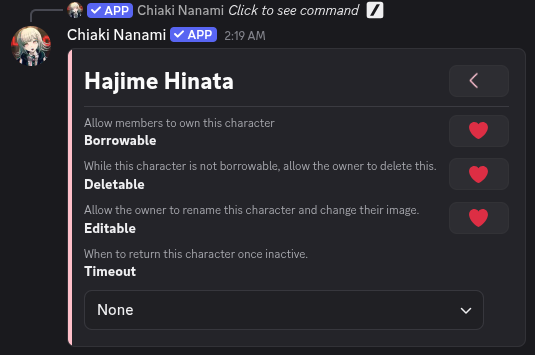
Creating the Characer Hajime Hinata
Characters are what roleplayers can play. Since we created the Beach location, we can now create a character there. Characters begin as entities, so we will create an entity first
-
Enter the command /world
-
Press Collections
-
The first page has the Entities section. Press its button
-
Press Create
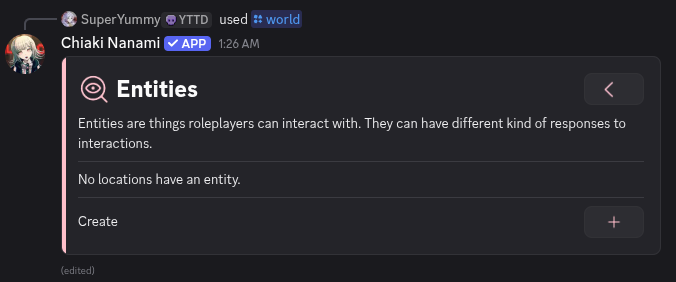
The Entities message with a Create button
-
Select the location Beach
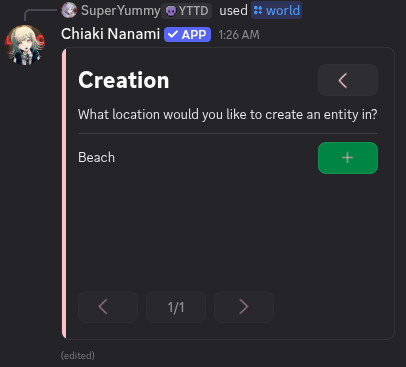
The Beach location as an option
-
This creates a default entity called New Entity. Don't worry about all the options. We will edit this entity to become Hajime Hinata. Press Edit
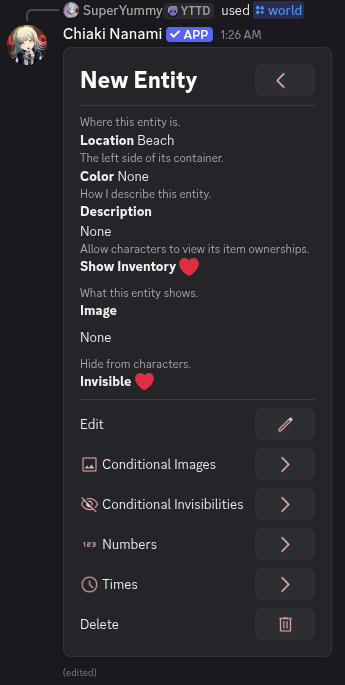
New Entity with many fields and sections
-
Press the New Entity section button
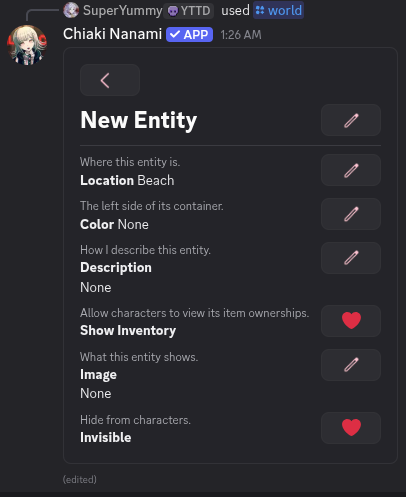
New Entity in edit mode
-
Enter the name Hajime Hinata
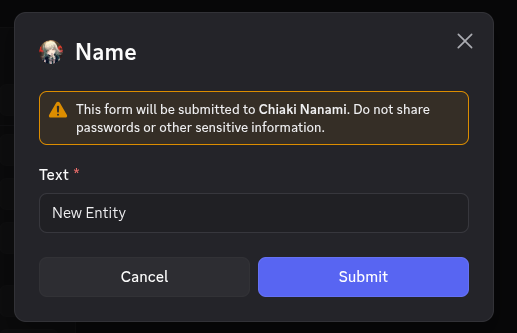
The modal with New Entity
-
Press Submit
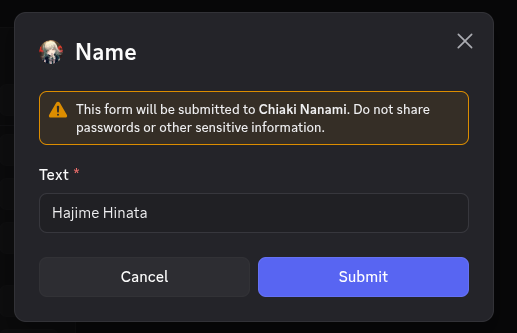
The modal with Hajime Hinata
-
The entity is now named Hajime Hinata. Now we will mark him as a playable character. Enter /world again
-
Press Collections
-
Press Characters
-
Press Create
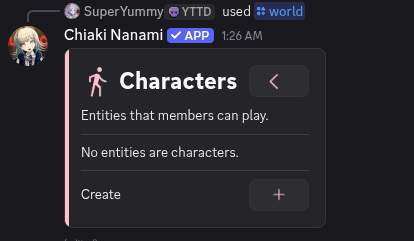
The Characters message
-
Select the entity Hajime Hinata
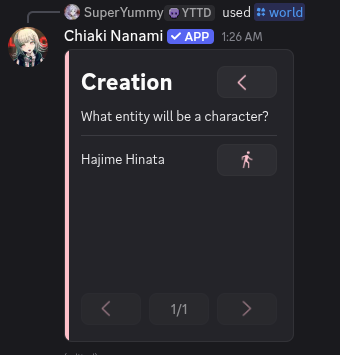
The Creation message with Hajime Hinata
Hajime Hinata is now marked as a character. The character settings are self explanatory. You don't need to change anything here