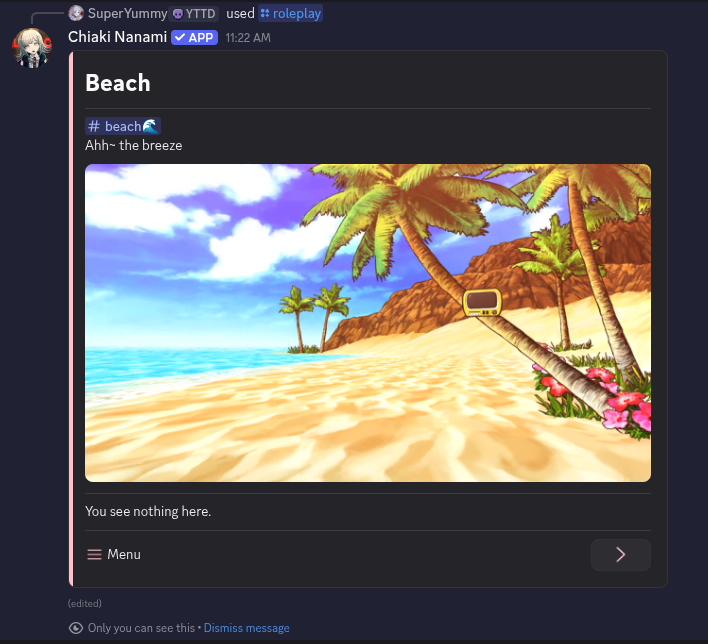
Introduction
Welcome to Chiaki Nanami - World, a guide about creating a roleplay world
This guide will bring your roleplay world to life on Discord. You can create an experience where stories grow naturally through player interaction
Who World Is For
World is for creators who want to build location based worlds. This means characters exist in their location and they can interact with whatever is around them
It is also for those who enjoy visual novel style storytelling, such as branching dialogue. If you like tools like RPG Maker, you will feel right using it. World is inspired by how RPG Maker structures worlds, events, and player movement. You could make RPG Maker games like OMORI, Your Turn To Die, and The Coffin of Andy and Leyley, but in Discord format for roleplay
Getting Started
Let's begin building your world! There's a lot you can create, and this chapter will guide you through the basics. In this chapter, you will learn how to:
- Create a beach location
- Create the character Hajime Hinata
- Give the character ownership of him
- Roleplay as the character
Creating A Beach Location
Worlds are location based. Everything in your world begins with a location
-
Enter the command /world
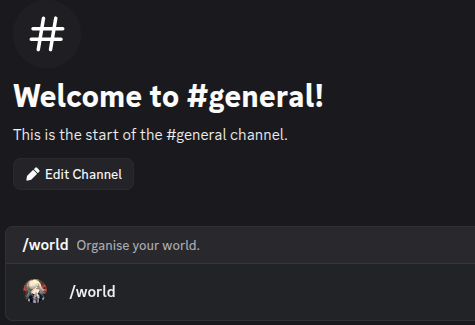
The user is entering /world in their Discord chat bar
-
At the bottom of the message, find the Collections section and press its button
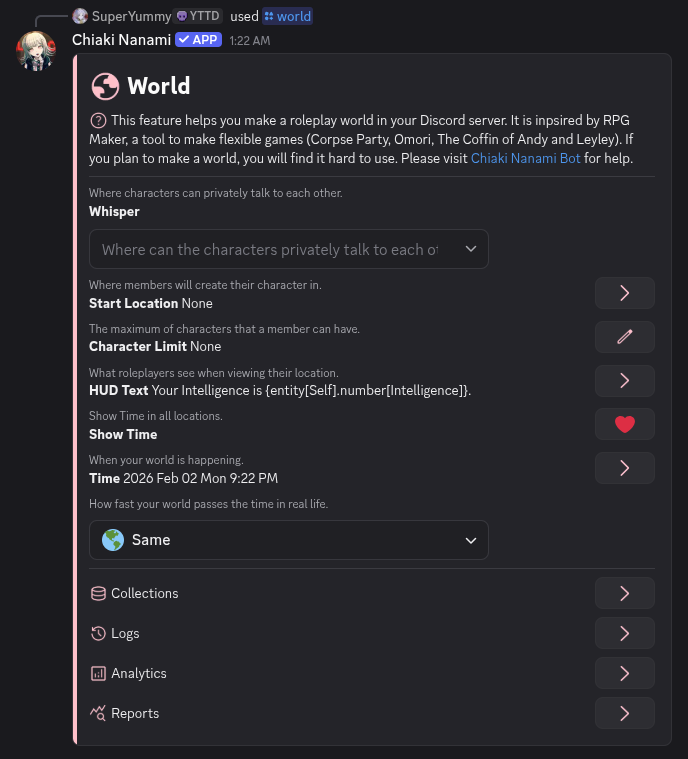
The world message with a Collections section
-
Collections contain the data that makes up your world. Turn the page until you find the Locations section
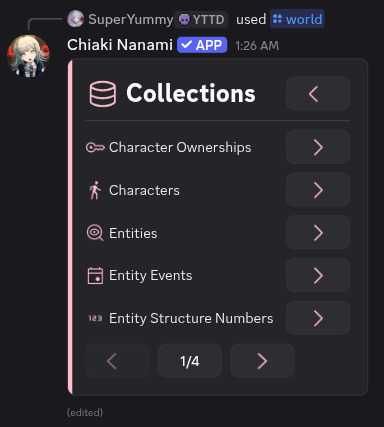
The first page of Collections
-
Press the Location buttons
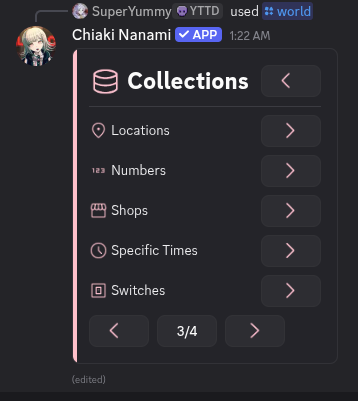
The Locations section appearing on page 3
-
Locations are places where things can exist. To create your world's first location, press that Create button
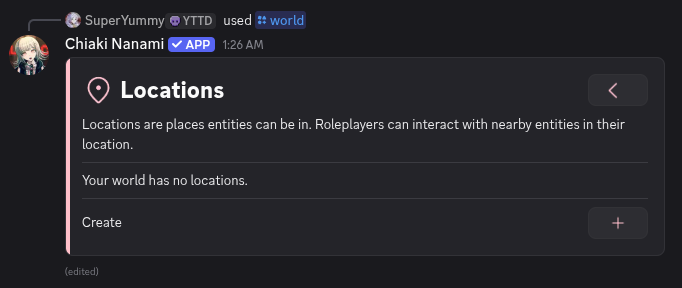
The Locations message with a Create button
-
Locations require a Discord channel. Create a new channel called beach🌊
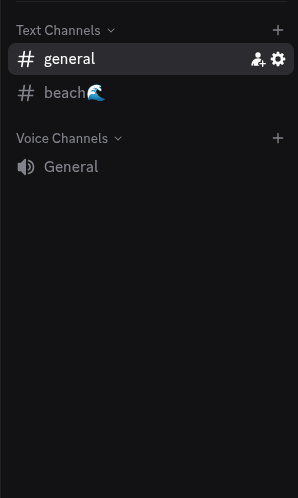
The new channel beach🌊
-
In the Creation message, select the beach🌊 channel
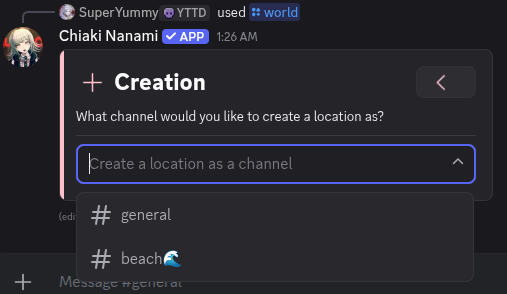
Selecting the beach🌊 channel
Selecting the channel creates a default location. It will also create a message in that channel that automatically displays the location's information. If the channel becaomse quiet, Chiaki will resend this message
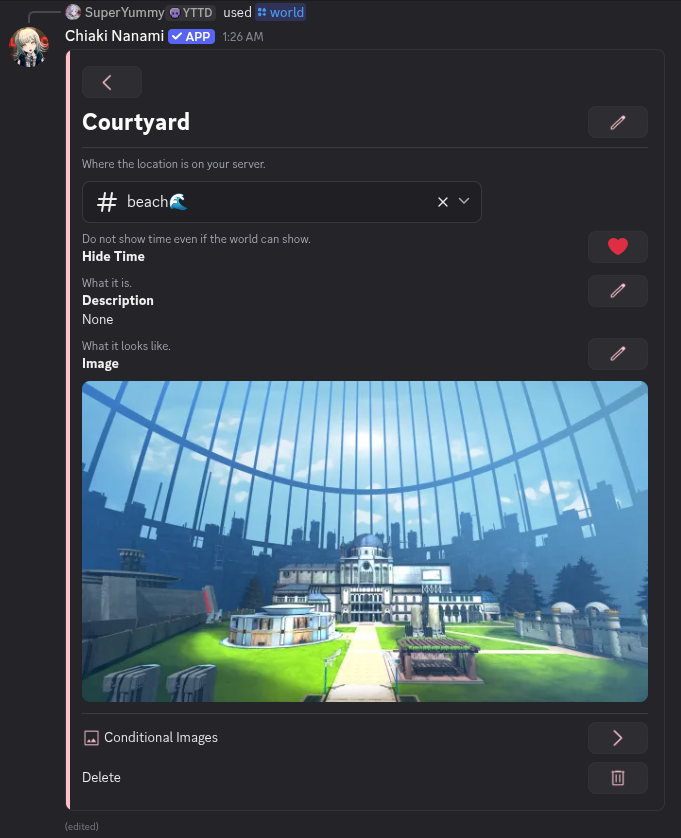
A created default location
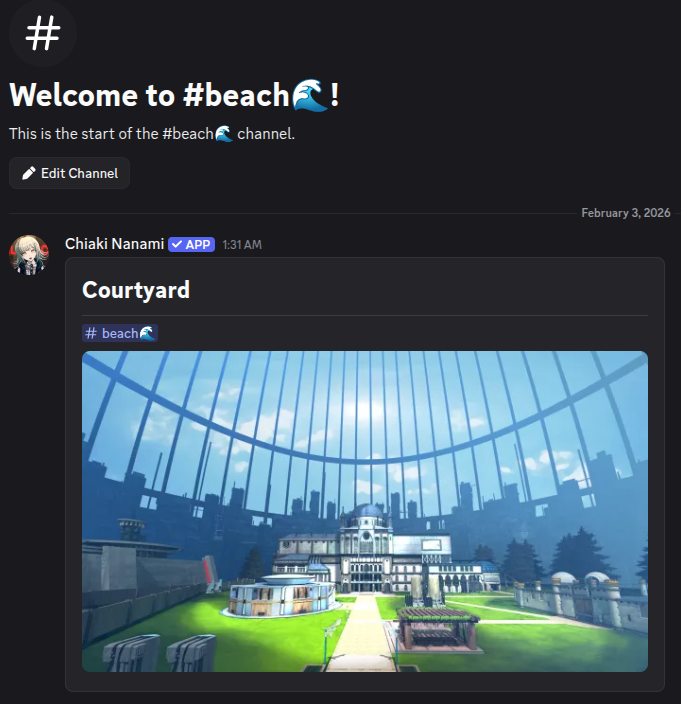
The location message in the beach🌊 channel
-
Rename the default location to Beach
-
Update your location image so that it looks like the beach.
-
(Optional) Could add a description too
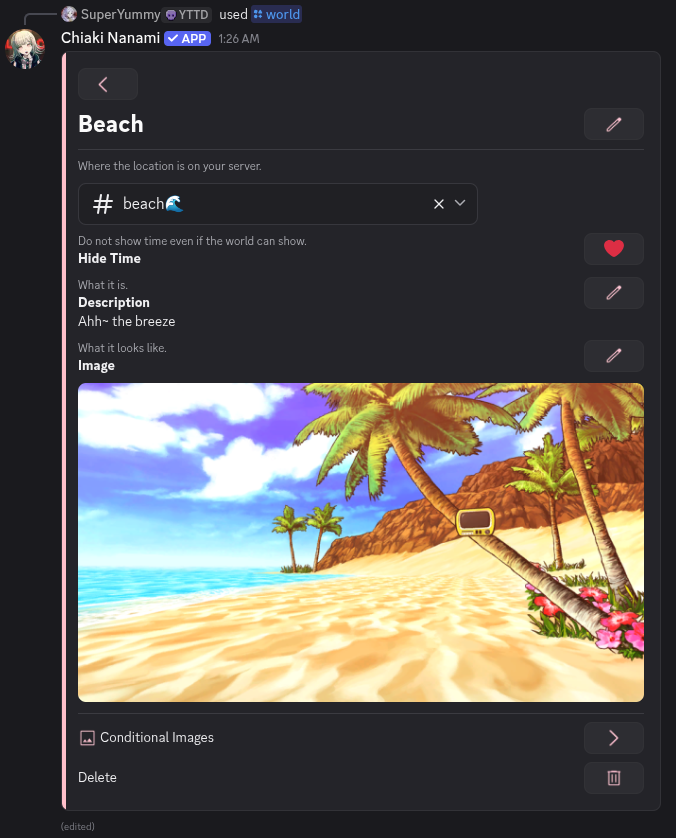
The location renamed to Beach, with a beach image and description: "Ahh~ the breeze"
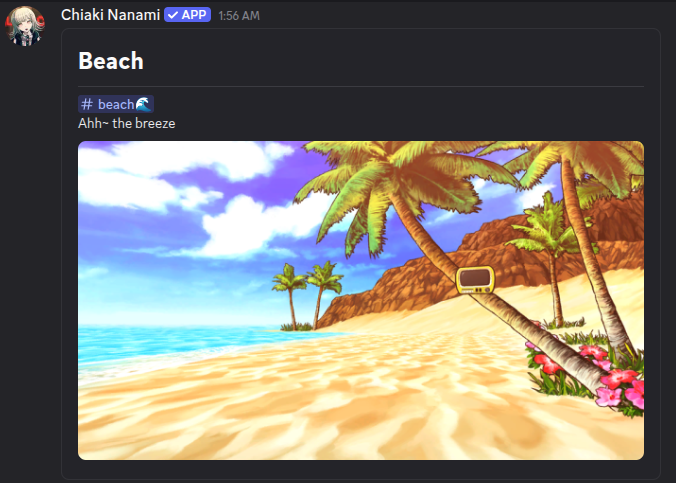
The updated location message in the beach🌊 channel
Done! You have created your world's first location, the Beach!
Creating the Characer Hajime Hinata
Characters are what roleplayers can play. Since we created the Beach location, we can now create a character there. Characters begin as entities, so we will create an entity first
-
Enter the command /world
-
Press Collections
-
The first page has the Entities section. Press its button
-
Press Create
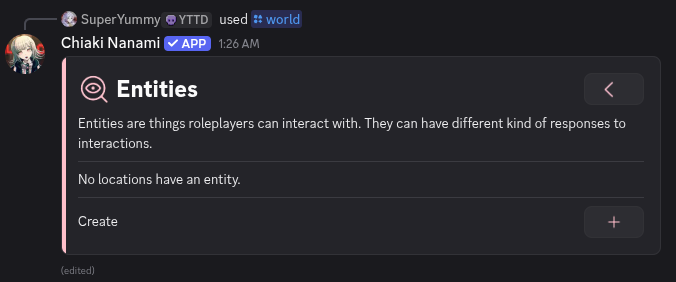
The Entities message with a Create button
-
Select the location Beach
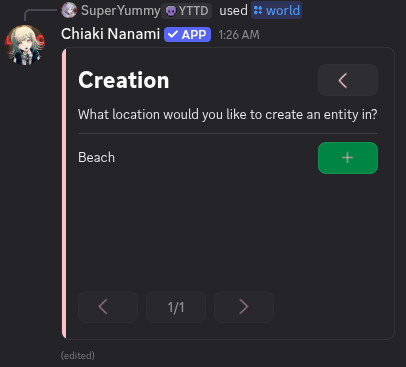
The Beach location as an option
-
This creates a default entity called New Entity. Don't worry about all the options. We will edit this entity to become Hajime Hinata. Press Edit
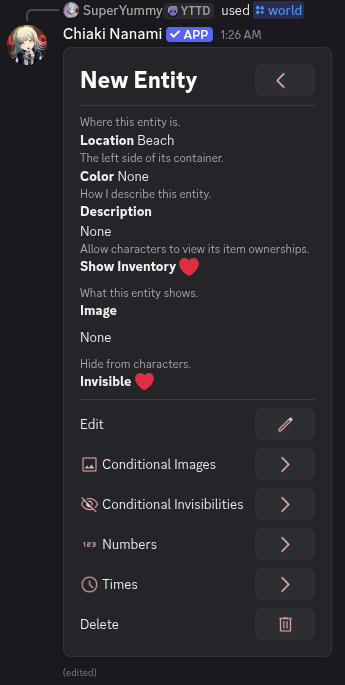
New Entity with many fields and sections
-
Press the New Entity section button
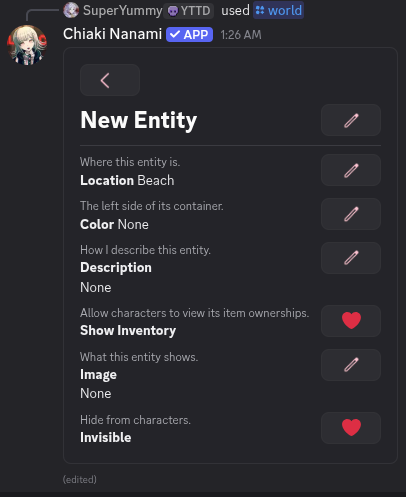
New Entity in edit mode
-
Enter the name Hajime Hinata
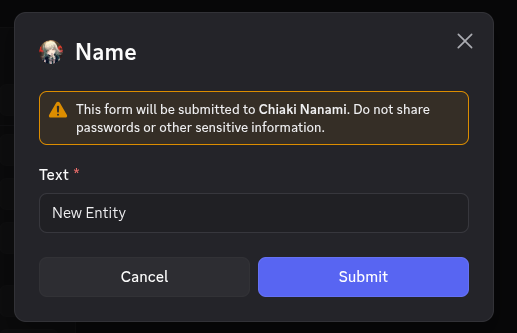
The modal with New Entity
-
Press Submit
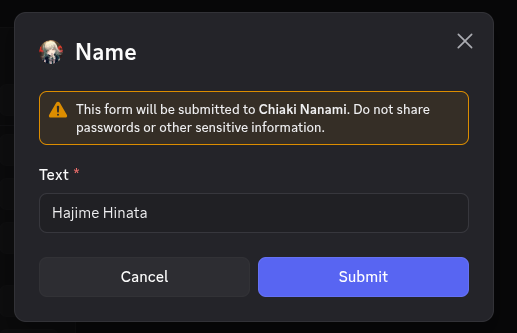
The modal with Hajime Hinata
-
The entity is now named Hajime Hinata. Now we will mark him as a playable character. Enter /world again
-
Press Collections
-
Press Characters
-
Press Create
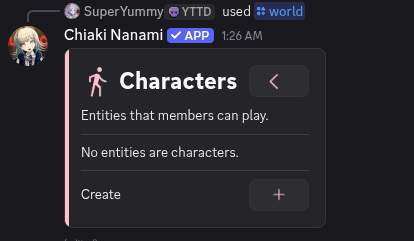
The Characters message
-
Select the entity Hajime Hinata
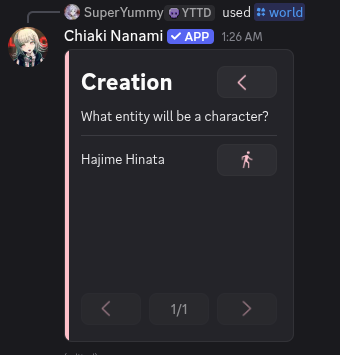
The Creation message with Hajime Hinata
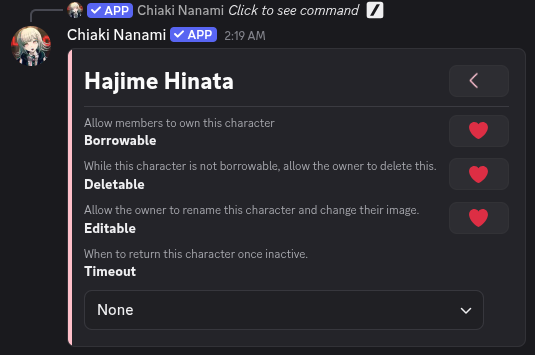
Hajime Hinata is now marked as a character. The character settings are self explanatory. You don't need to change anything here
Giving the Characer Ownership of Hajime Hinata
Right now, Chiaki knows Hajime Hinata is a character, but no one owns him yet. To play him, you must give character ownership
-
Enter /world
-
Press Collections
-
Press Character Ownerships
-
Press Create
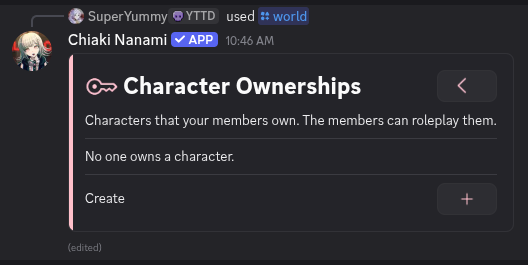
The Character Ownerships message
-
Press Character
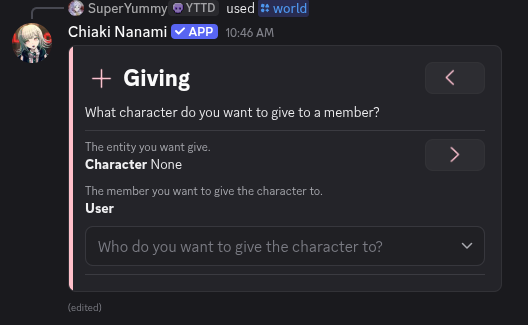
The Giving message
-
Select Hajime Hinata
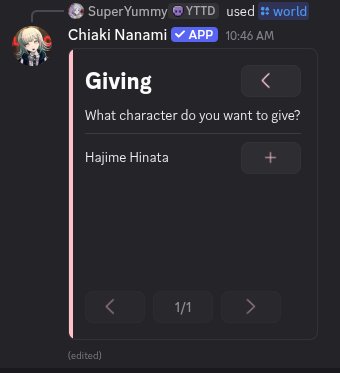
The Giving message requesting a character
-
Select yourself as the user who will own the character
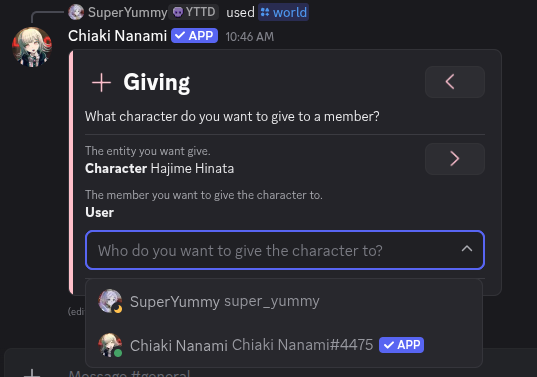
The user selecting themselves (SuperYummy)
-
A Confirm section will appear. Press it
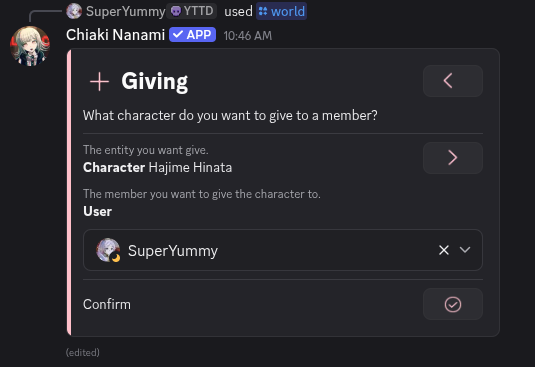
The Giving message with the Confirm section
You now own Hajime Hinata and can play him!
Roleplaying as the Character
Now that you own Hajime Hinata, you can begin roleplaying
-
Enter the command /roleplay
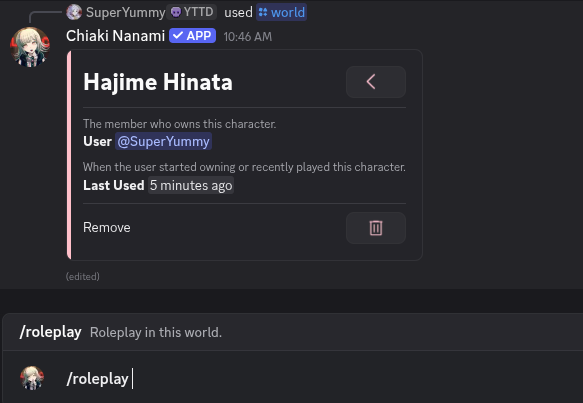
The user entering /roleplay
-
Select Hajime Hinata
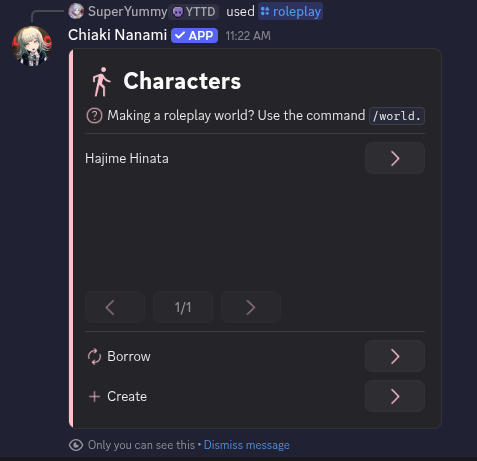
The user's characters, showing Hajime Hinata
-
Press Play
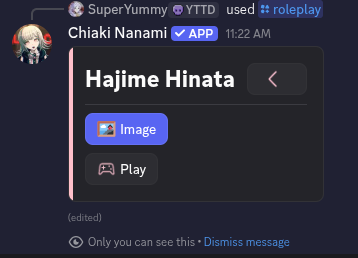
Hajime Hinata with the Play button
That's it! You are now playing as Hajime Hinata
Right now, your world does not have interactive elements yet. There isn't much to do besides existing in the Beach. If you want to stop playing, press the Menu button and select Stop Playing